

 日本語
日本語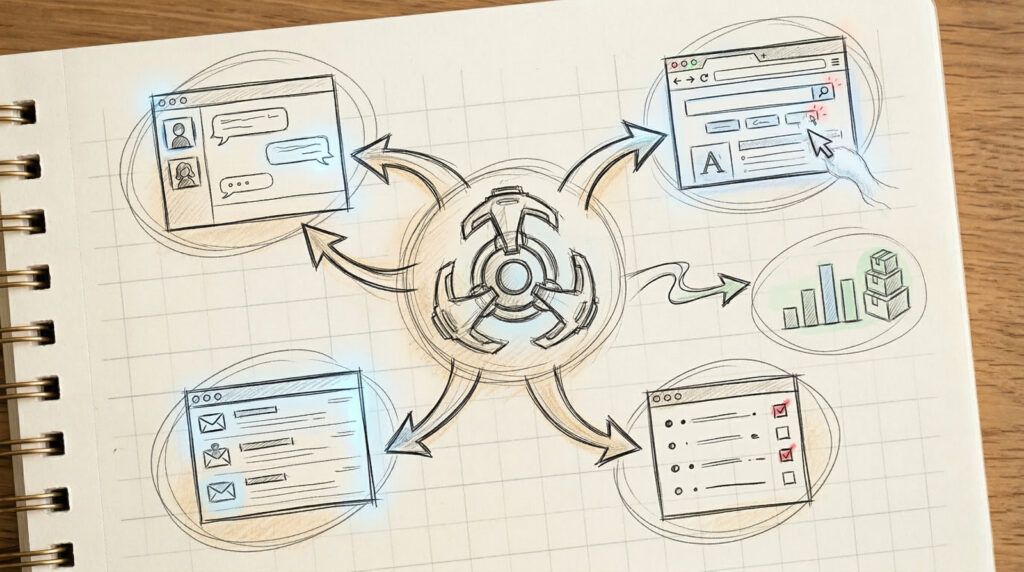
Slack integration felt useful. Browser automation felt different — useful and uncomfortable in equal measure, in a way that clarified something important about where the meaningful line sits when deploying AI agents in real work. This is the account of that discovery.
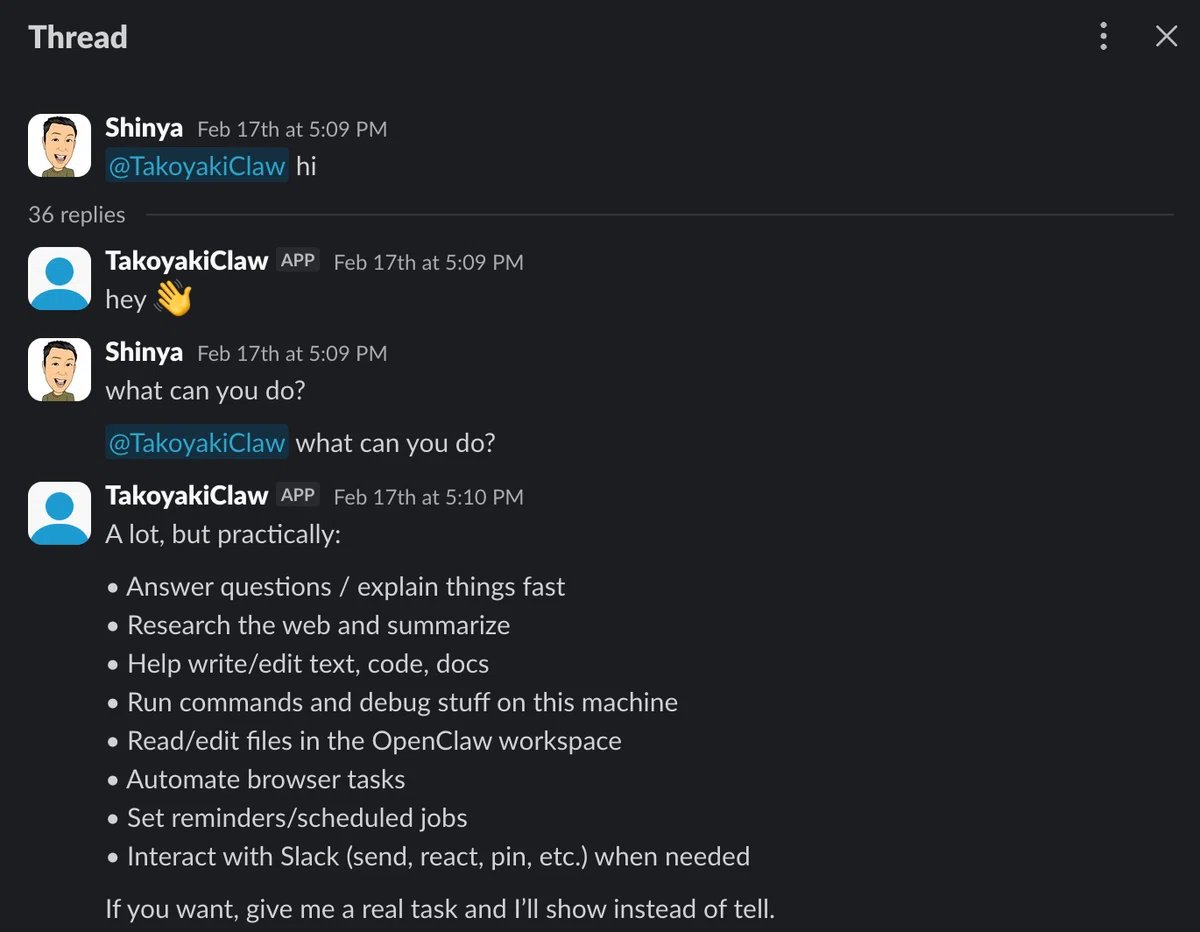
The First Slack Decision: One Private Channel, Nothing Else
The instinct not to connect OpenClaw to Slack broadly was deliberate. Instead: one private channel, created specifically for this purpose, with OpenClaw’s access restricted to that channel only. Effectively a closed DM environment. The reasoning is the same as starting with no skills during setup — you expand access only after you understand what that access actually entails. For organizations that have spent years managing careful information boundaries, this approach should feel familiar. It is not timidity; it is system design discipline applied to a new category of tool.
The Morning Briefing: When AI Starts Coming to You
The first request was deliberately vague: “send me a daily briefing of what I need to know each morning.” Rather than writing a detailed specification upfront, the content was refined through conversation within Slack itself. The result: a consolidated morning report covering the day’s calendar, a summary of overnight email, current weather, and a rough priority ordering of the day’s tasks — delivered each morning before the first work session.
What distinguished this from a simple information dashboard was the synthesis. The output was not a raw data dump but an interpreted brief — the kind of thing that previously required opening four separate applications and making your own judgment about what mattered. Now it arrived as a coherent document.
The shift in working pattern was noticeable. Most AI interactions follow a pull model: you remember you need help, you open the tool, you make a request. This was something different — the system reporting in, on schedule, without prompting. For Japanese executives accustomed to morning briefings from staff, the parallel is apt. The AI is not a tool you go to; it is a participant in the workflow that operates whether or not you attend to it.
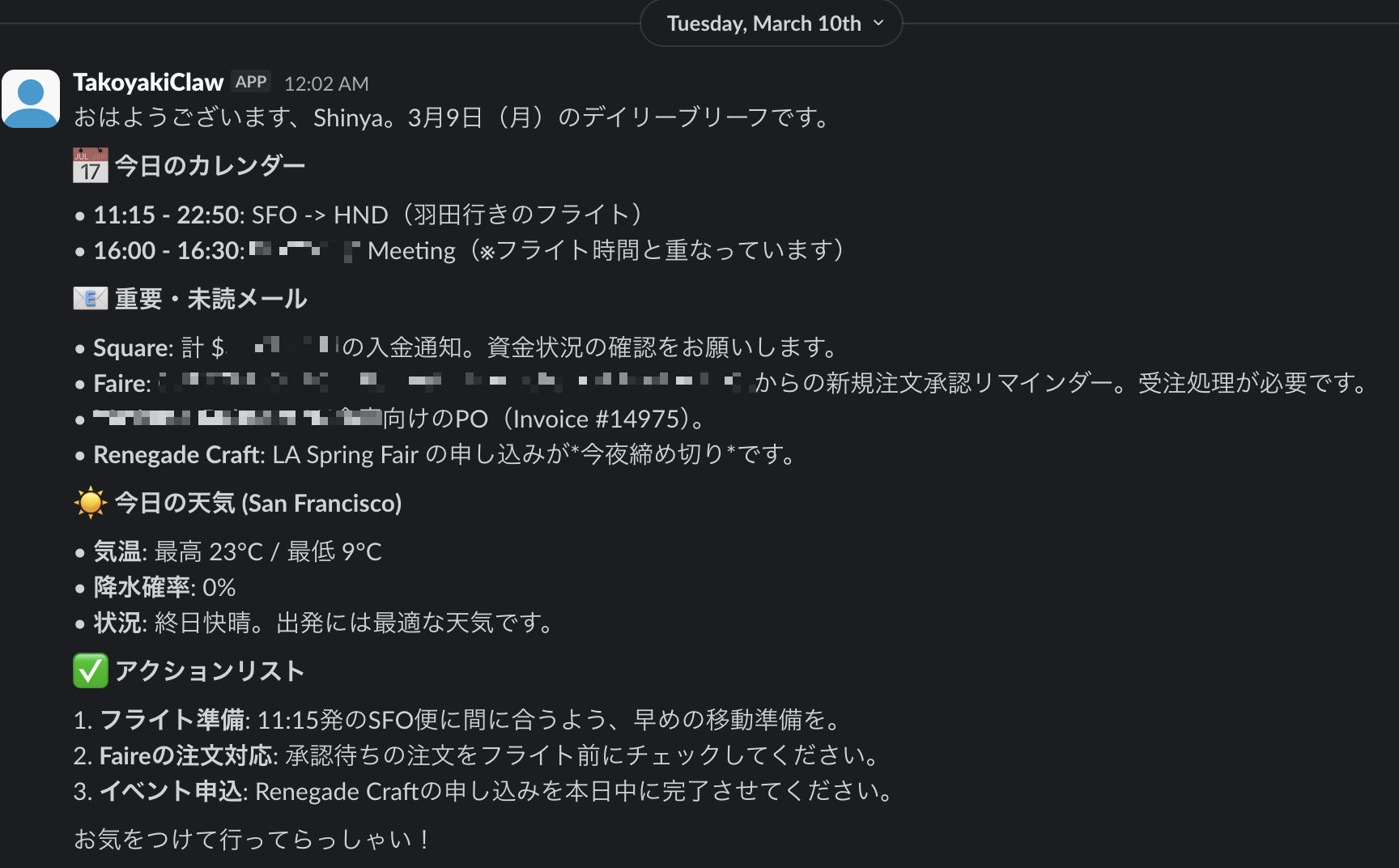
That said, connecting to email introduced a new quality of discomfort. A private Slack channel is a contained space. Email is not. The feeling of “how much should I actually show this system?” became concrete the moment OpenClaw started summarizing actual messages. This was the first appearance of what I have come to think of as the productive tension in AI agent deployment — the discomfort is not a sign something is wrong. It is a sign the system is doing something real.
Browser Automation: The QuickBooks Workflow
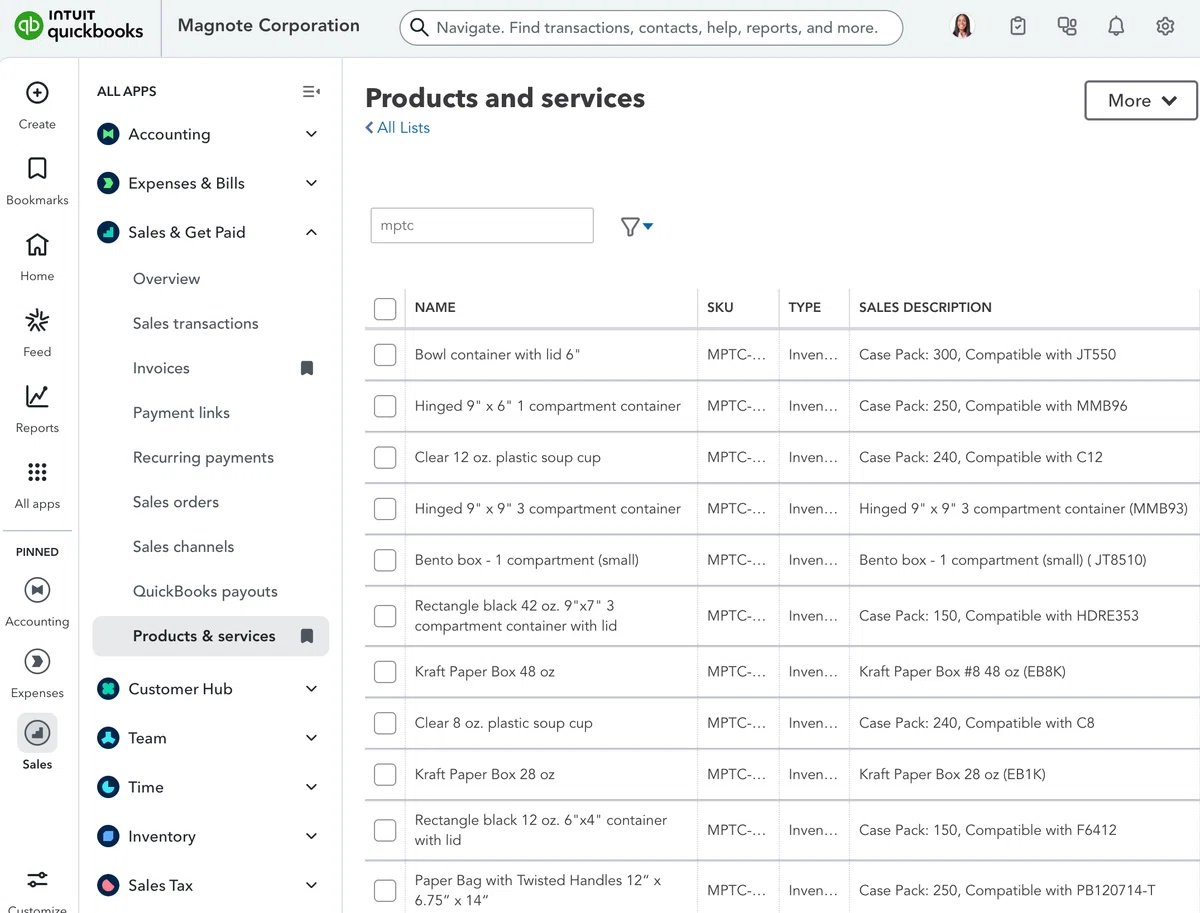
One of my side businesses involves supplying takeout containers to local restaurants — a weekly restocking cycle that requires checking inventory, reviewing sales trends, calculating reorder quantities, and drafting a purchase order email. The accounting runs through QuickBooks Online (roughly analogous to freee or MoneyForward in Japan). This was the test case for browser automation.
The design decision here was deliberate: I would handle authentication myself. Open the browser, log in to QuickBooks, then enable the Chrome extension that allows OpenClaw to operate within that tab. Handing over login credentials was not something I was ready to do. What happened after authentication, though — navigation to the reporting view, data retrieval, trend analysis, order quantity calculation, purchase order email draft — all of that was handled autonomously.
Watching OpenClaw move through the browser interface — navigating between screens, downloading reports, processing the data — is when the word “agent” stopped feeling like marketing language. This is not a system that answers questions. It is a system that executes sequences. The human checkpoint at authentication is not a limitation of the technology; it is an intentional design choice that keeps a meaningful control point in human hands. That distinction matters.
Where the Line Actually Is
The core insight from this phase of testing: OpenClaw’s value is not in the LLM capability. It is in the connections — Slack as the interface layer, email and calendar as information sources, browser automation as the execution layer. Each integration expands what the system can do. Each expansion also expands what the system can access.
The productive question is not “how much can I automate?” but “where do I want a human in the loop, and why?” Authentication is one clear answer. Outgoing communications — especially to external parties — is another. The restocking workflow works precisely because the draft email requires a human review before sending. That checkpoint is not overhead; it is the governance design. The next and final article in this series examines who this approach is actually suited for — and who it is not yet suited for. Silicon Valley Japan Lab will continue tracking how these boundaries evolve as the technology matures.
Shinya Fujimoto holds degrees in Electrical & Computer Engineering and Computer Science from Carnegie Mellon University. He began his career as a semiconductor design engineer at LSI Logic, working across Japan and the U.S. He has since built and operated businesses across multiple industries on both sides of the Pacific — a design gifts company that reached 600+ U.S. retail locations including MoMA, a Japanese restaurant brand’s first U.S. outpost in California, DX initiatives at a major Japanese insurance group, and a CTO role at a WPP-group agency. In 2025, he founded Silicon Valley Japan Lab to bridge what is happening at the frontier of Silicon Valley with what Japanese organizations need to act on it.